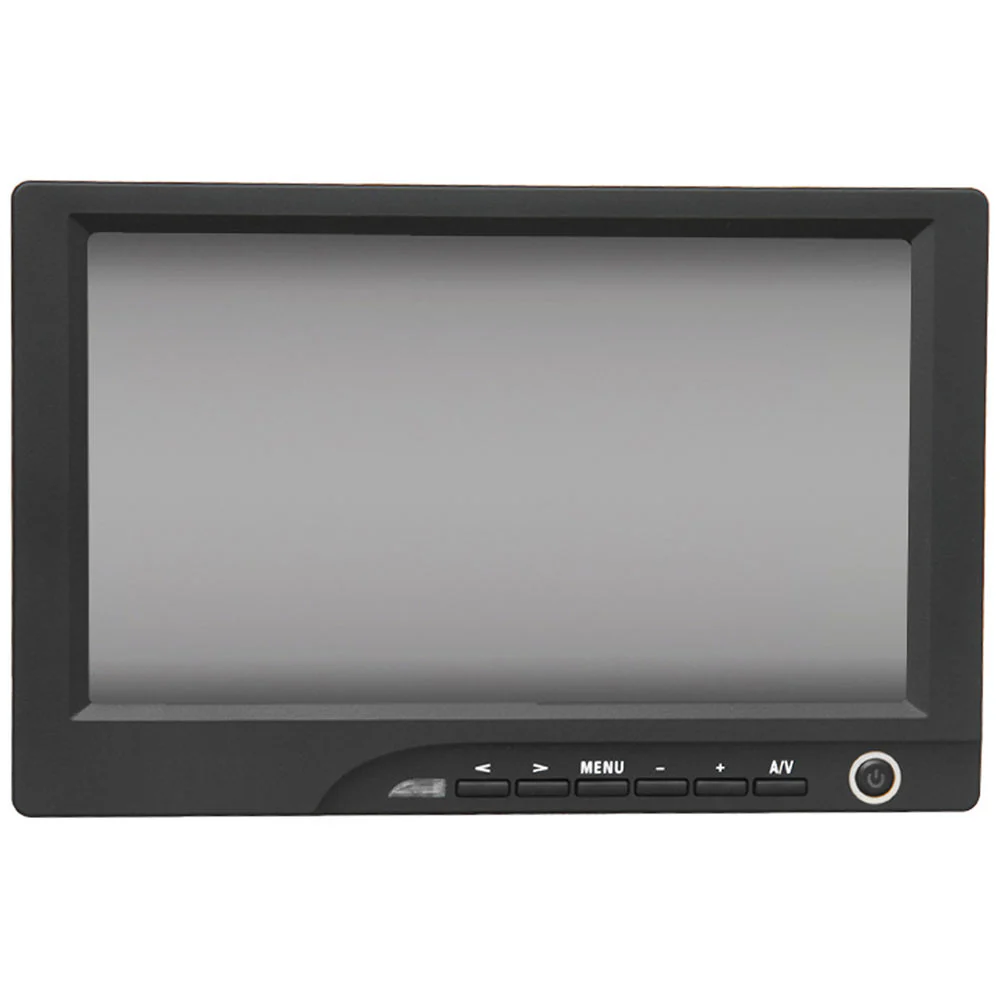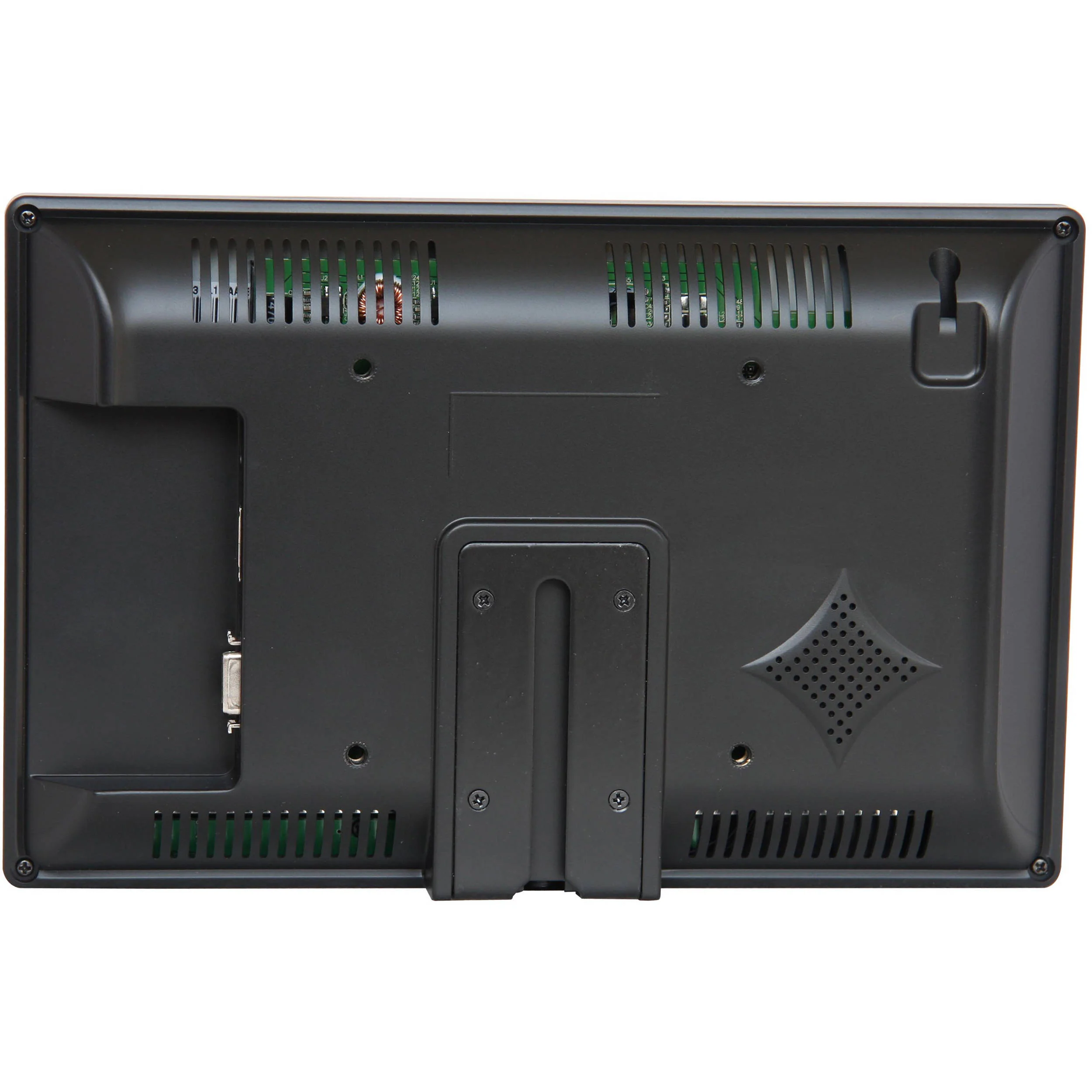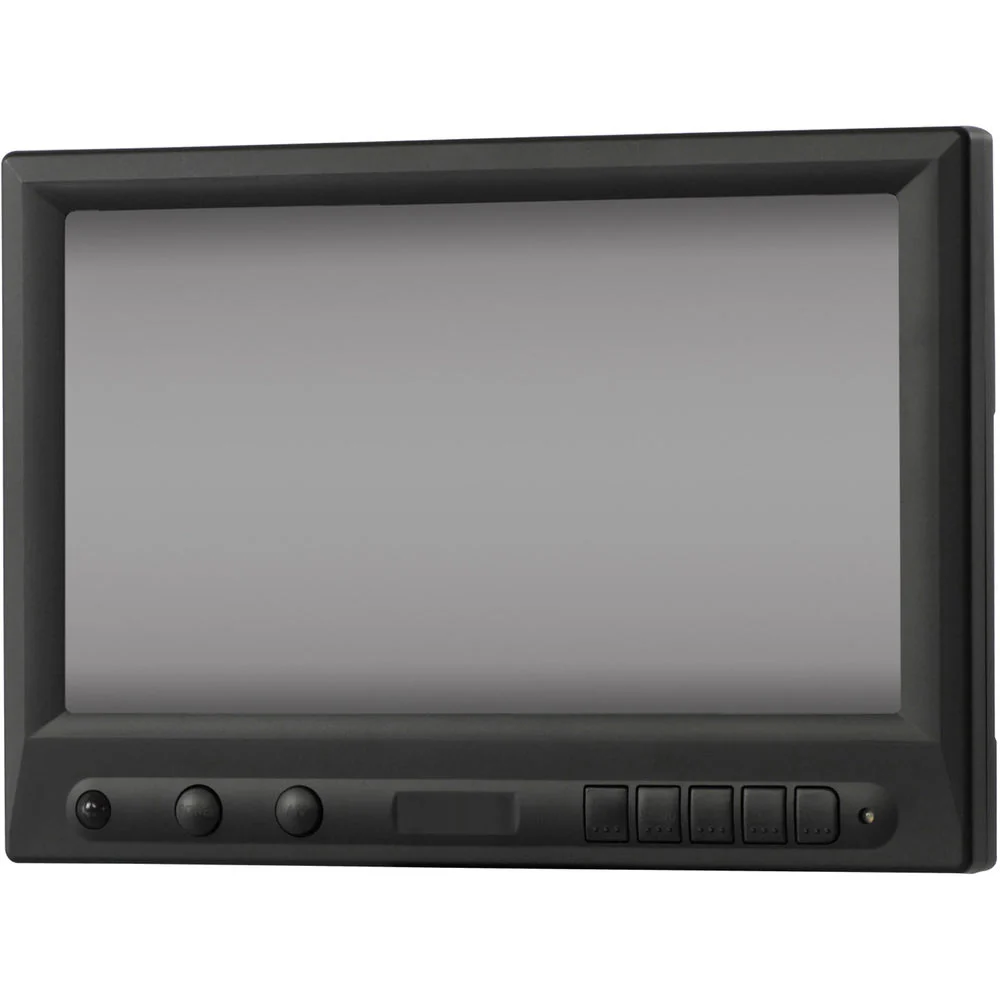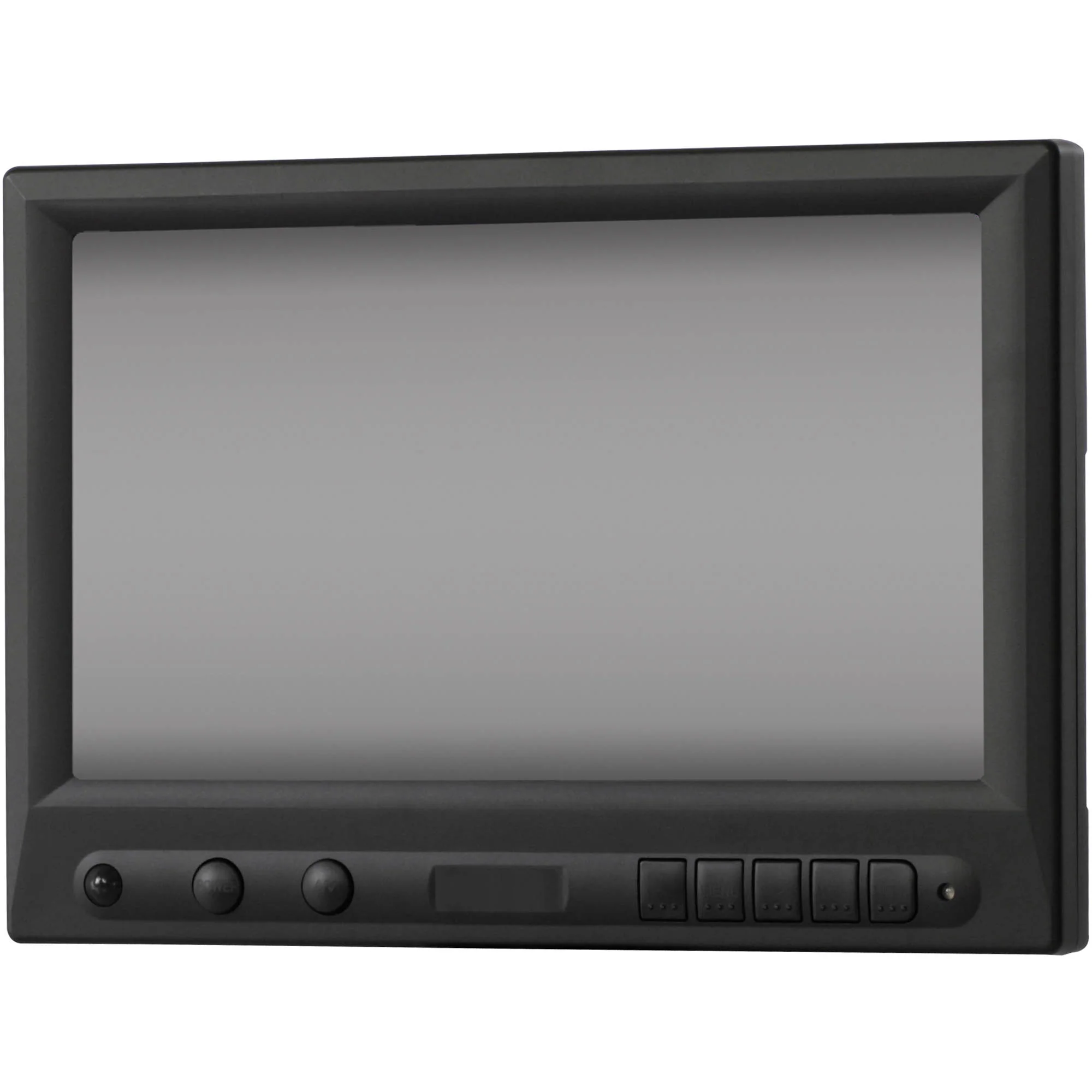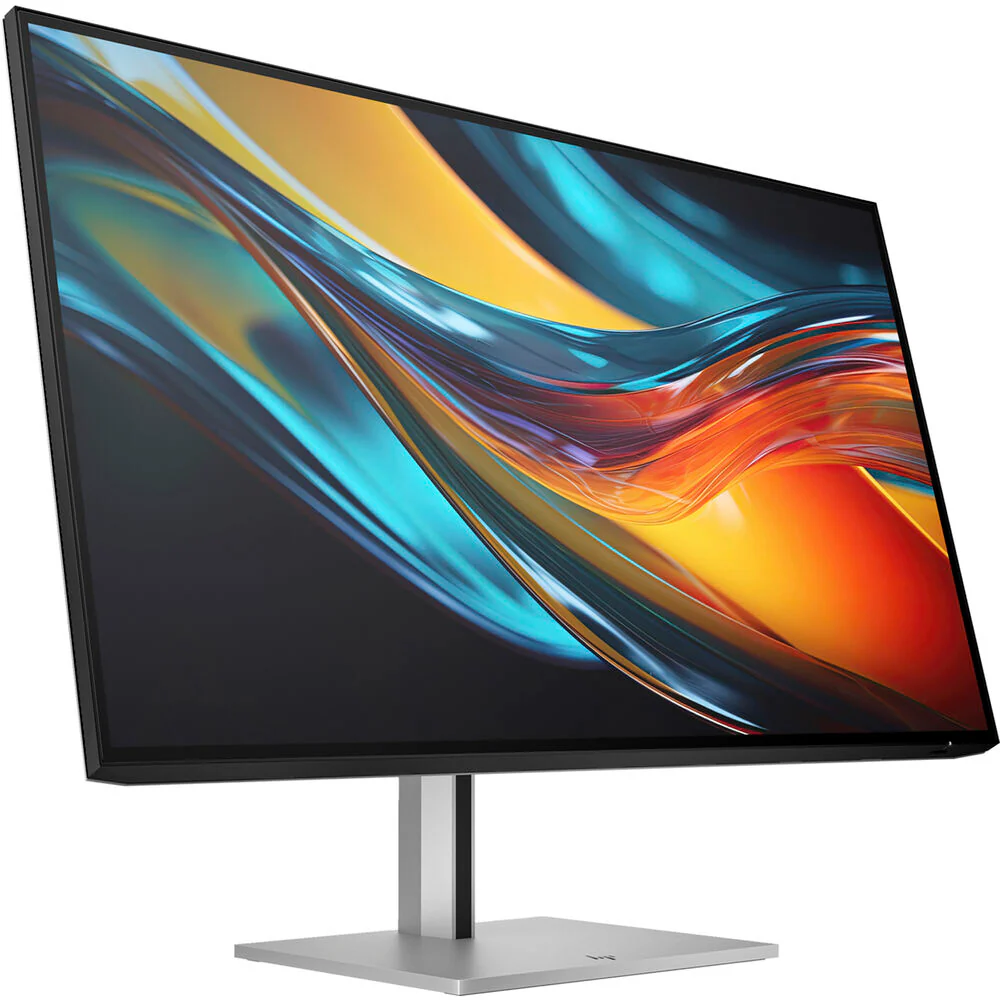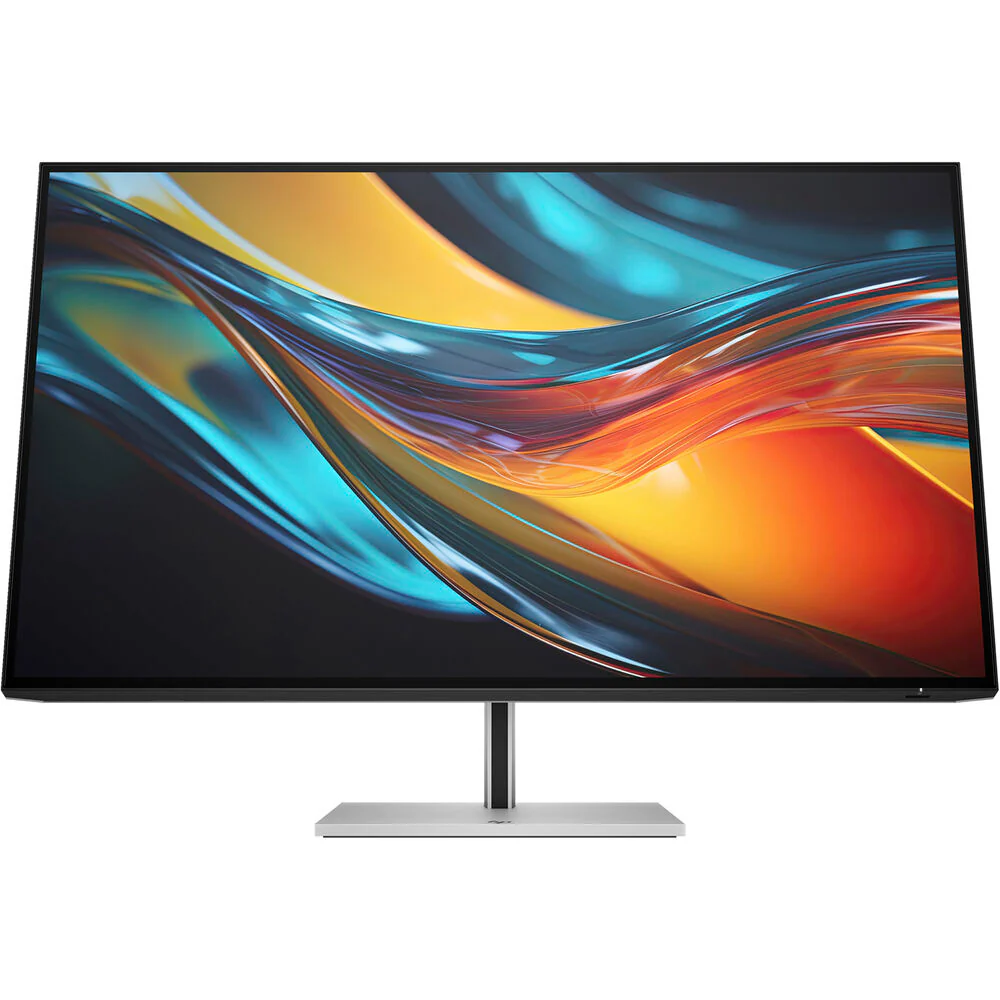
Dell UltraSharp 42.51" 4K Monitor
Dell U4323QE Overview
- 1Description
- 2Designed for More
- 3Quadruple View - Conquer Your Tasks with up to Four Partitions
- 4Connect up to Four PCs - Master Multitasking and Collaboration
- 5Quick Access Ports
- 6Comprehensive Connectivity
- 7Built for Comfort
- 8Jumpstart Productivity
- 9Enjoy the View
- 10Easy On the Eyes
- 11Modern Intuitive User Interface
- 12Productive At Every Level
- 13Stay Updated
- 14Optimize Front of Screen Experience
- 15Easy Setup and Sharing of Accessories
- 16Easy Deployment
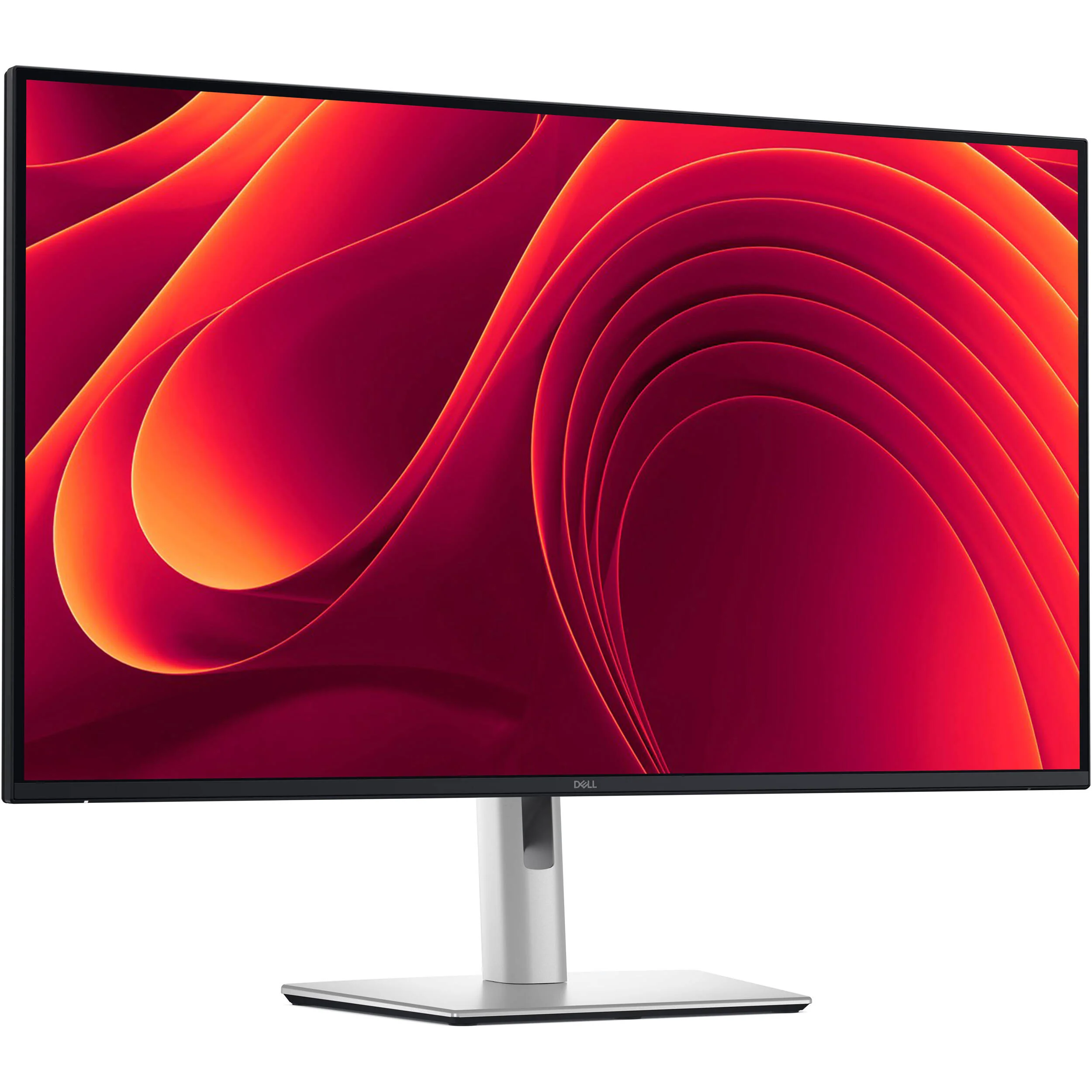
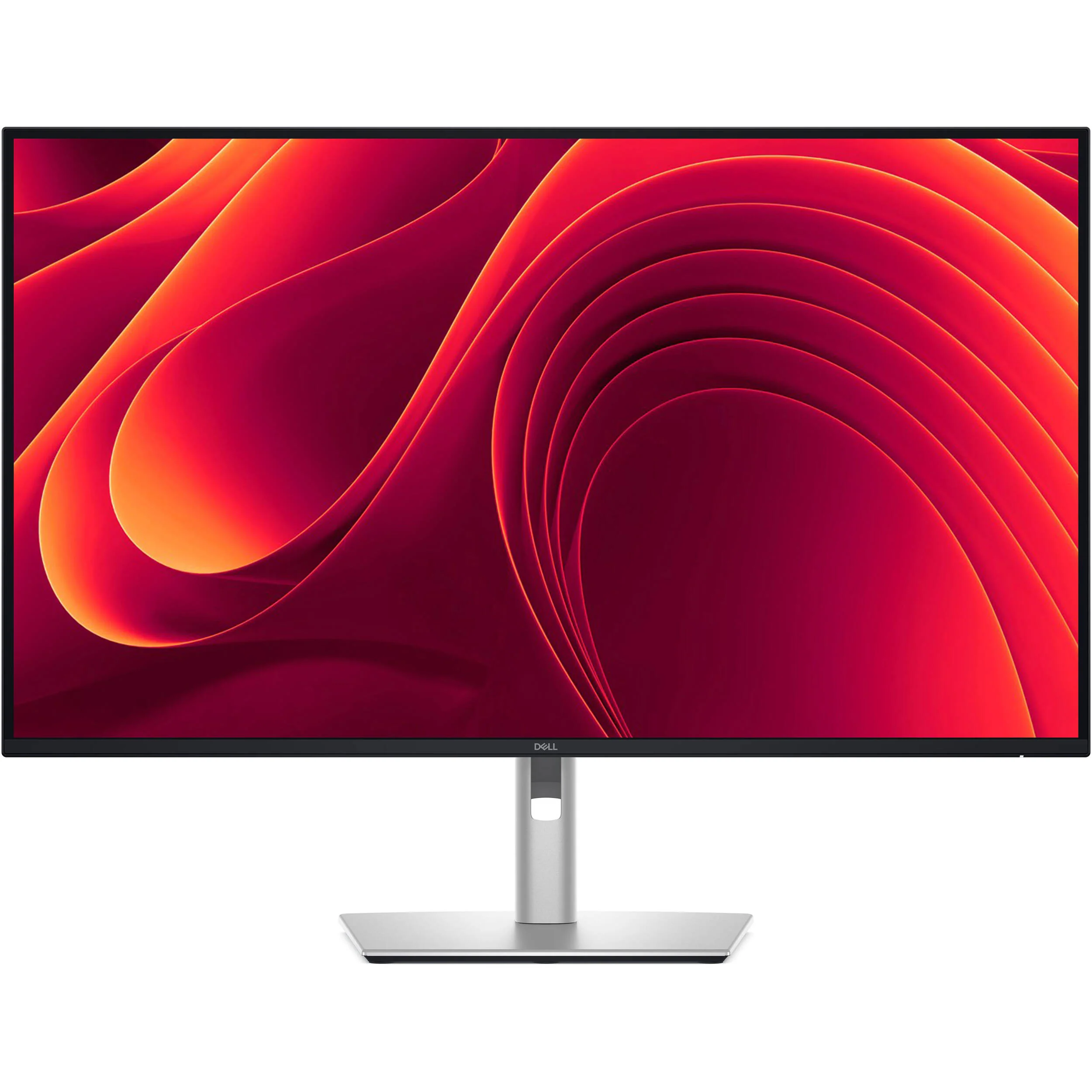
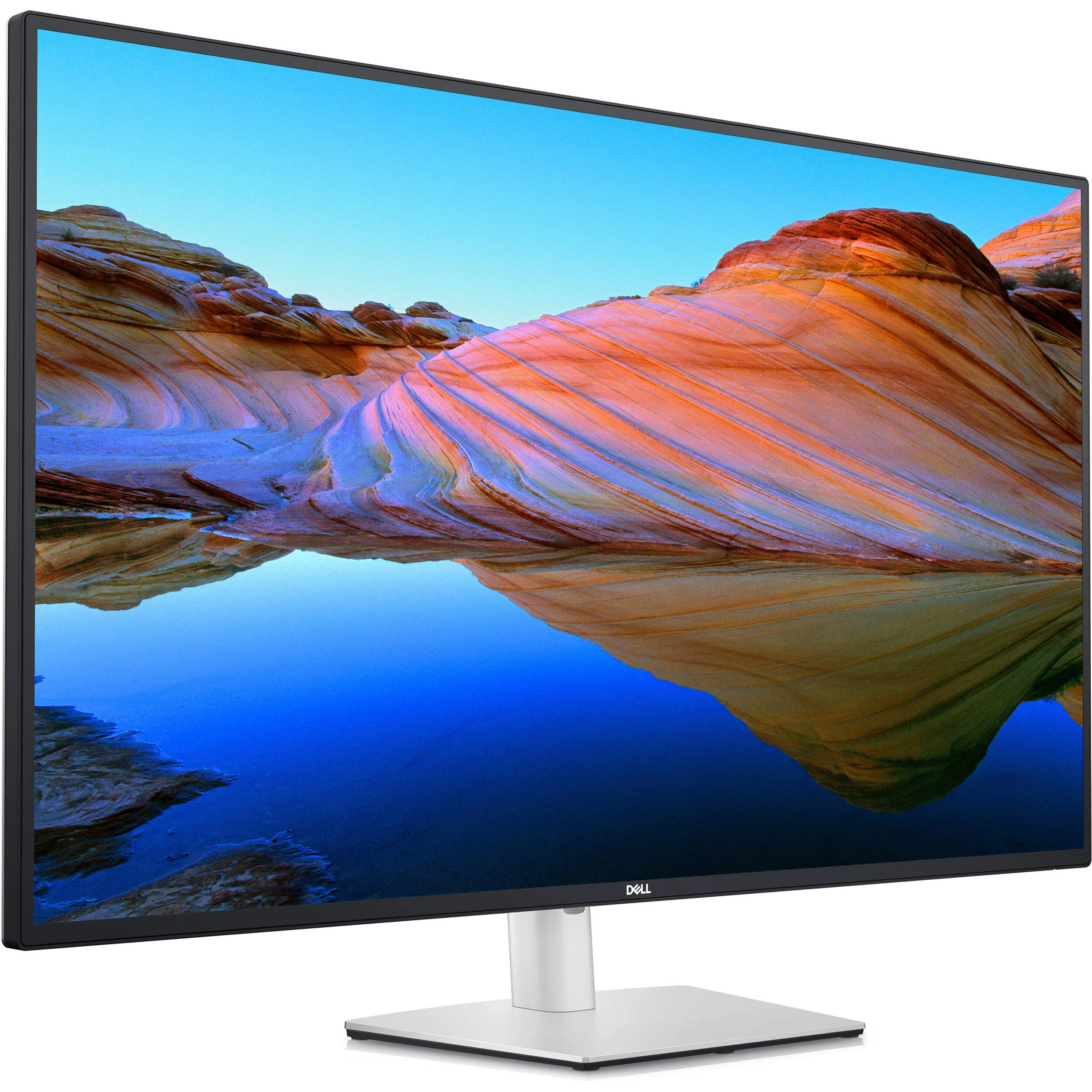
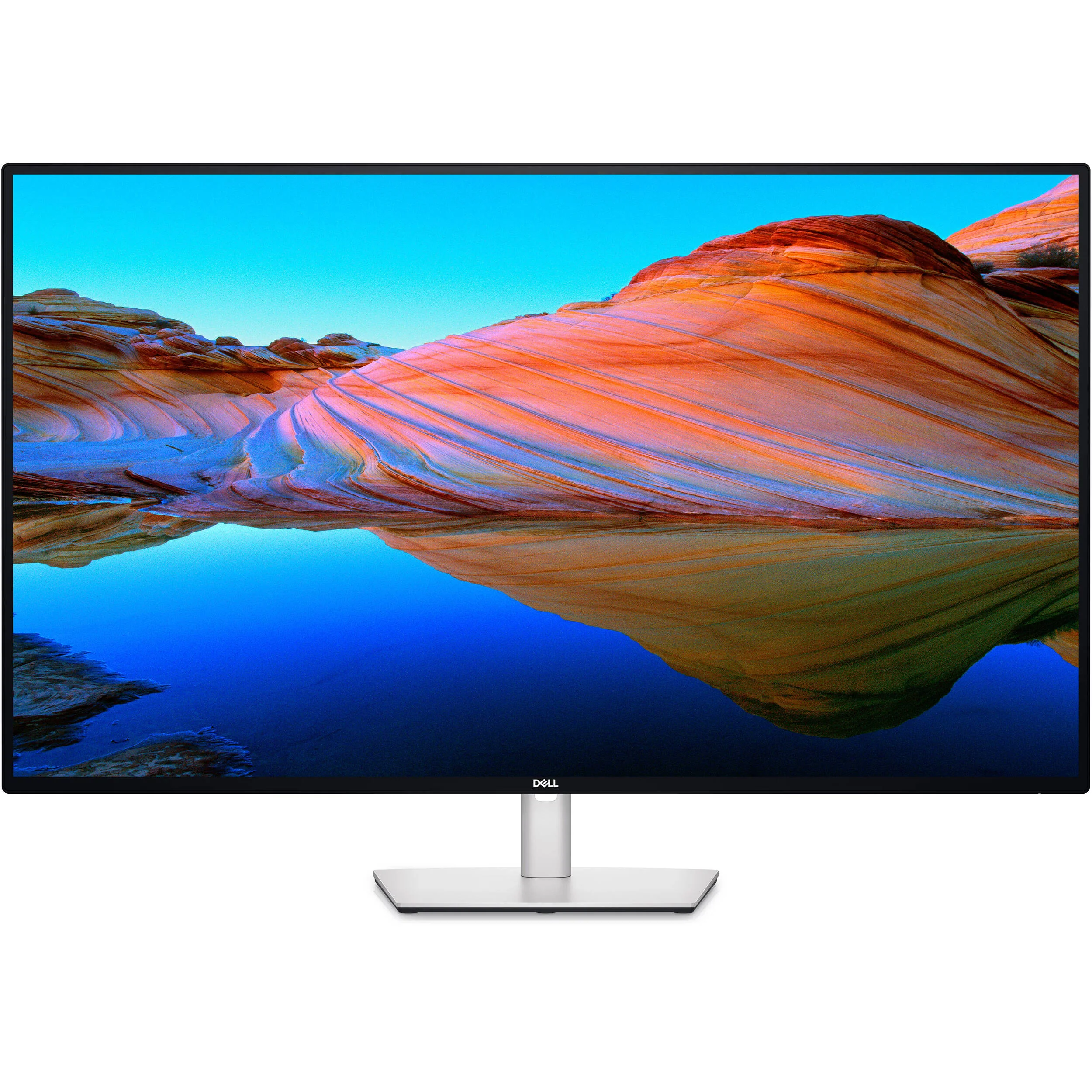
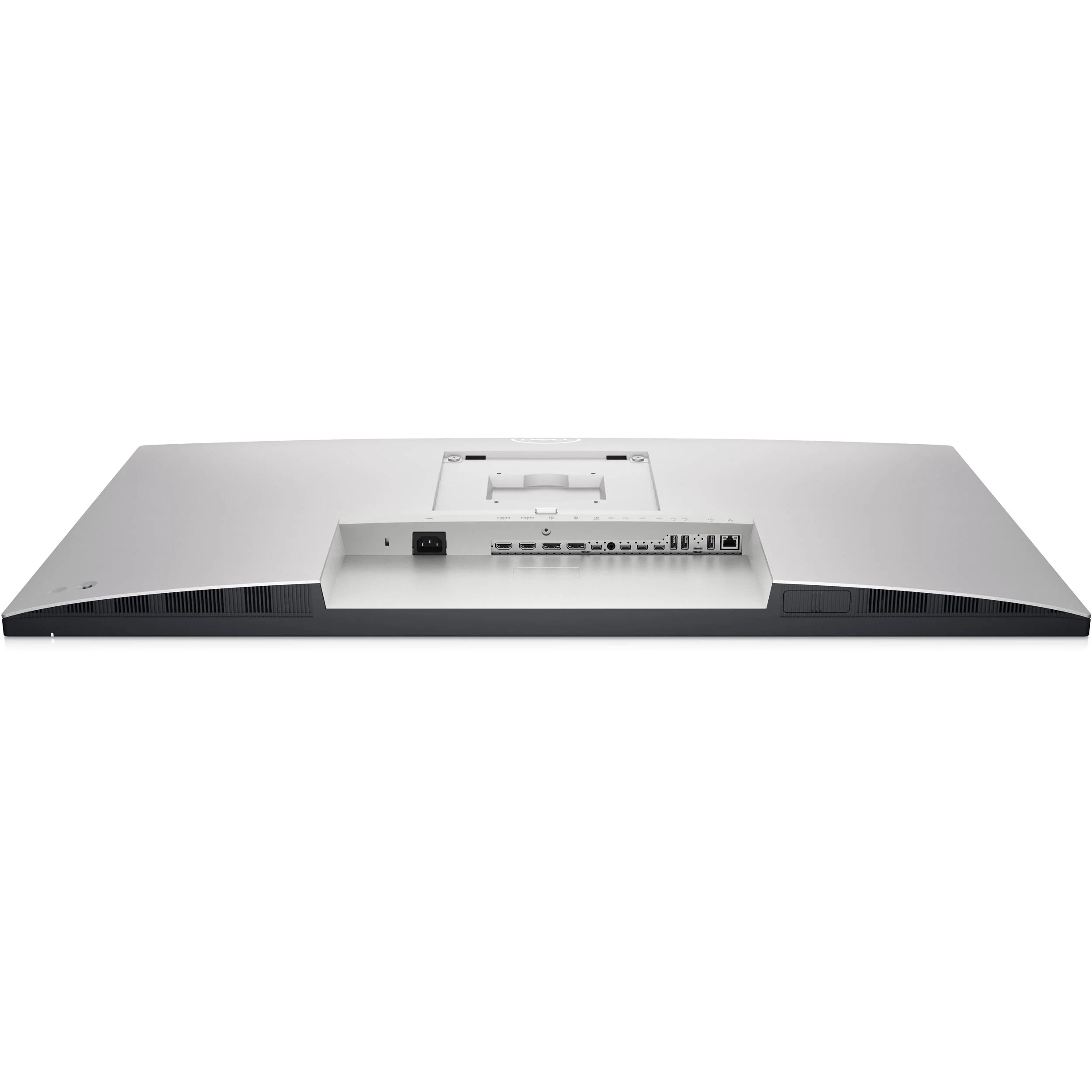
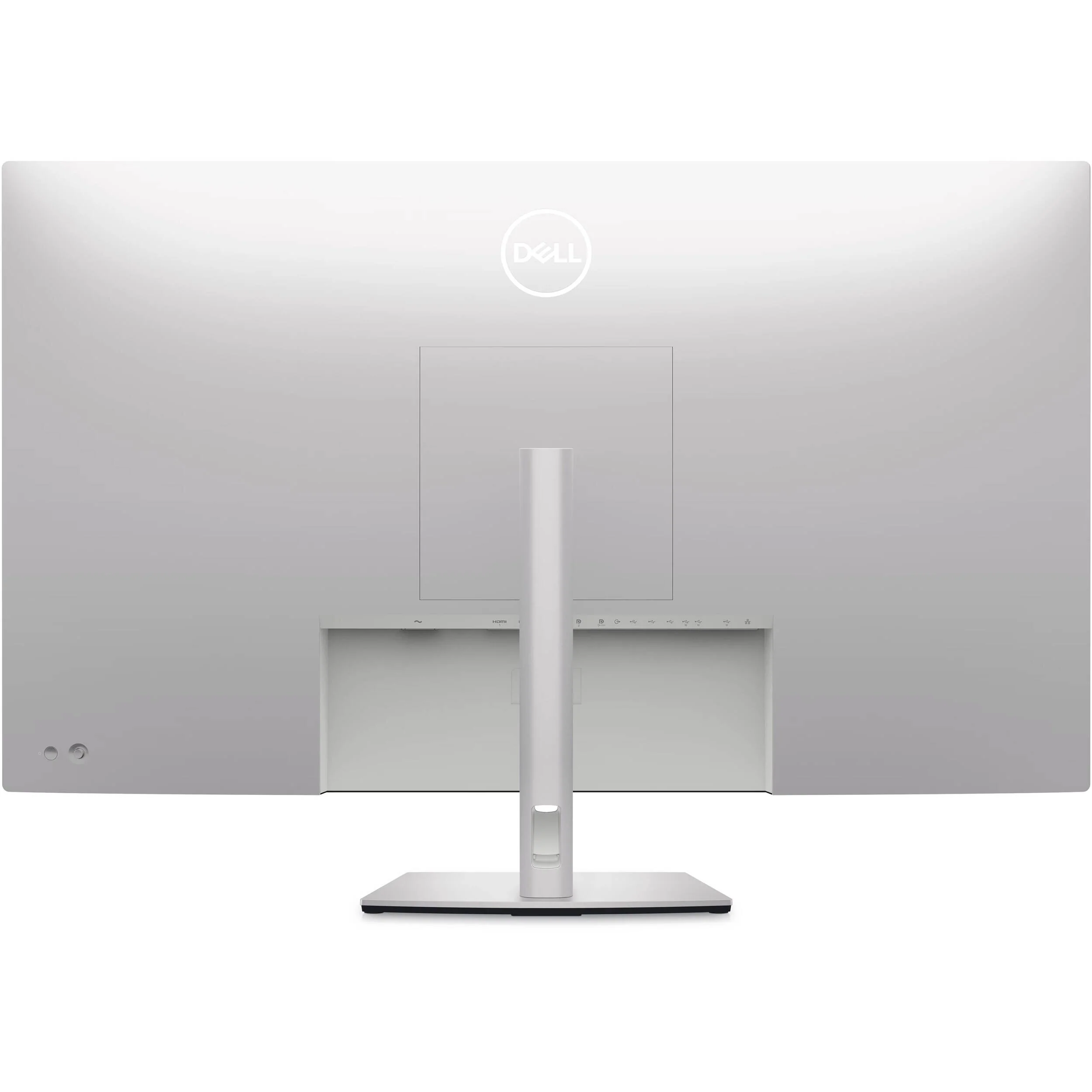
Increase your productivity using a display with multi-system connectivity, four unique Full HD partitions via iMST, ComfortView Plus, and more with the UltraSharp 42.51" 4K Monitor from Dell. This display features two DisplayPort 1.4 inputs, two HDMI 2.1 inputs, a USB-C input/output that supports DP 1.4, USB 3.2 Gen 2, and 90W of power delivery, three USB-C 3.2 Gen 2 inputs, a USB-C 3.2 Gen 2 input/output with 15W of charging power, four USB-A 3.2 Gen 2 ports, one of which supports 2A of charging power, a 3.5mm audio output, and an RJ45 network jack. All of this puts connectivity with almost any peripheral at your fingertips.
This UltraSharp display features a native resolution of 3840 x 2160 with a 60 Hz refresh rate, as well as coverage for 100% of the Rec. 709, 100% of the sRGB, and 98% of the DCI-P3 color gamuts. It also features In-Plane Switching (IPS) technology, support for 1.07 billion colors, a 16:9 aspect ratio, an anti-glare coating with a 3H hardness rating, a static contrast ratio of 1000:1, a typical brightness level of 350 nits, an 8 ms response time in normal mode, and a 5 ms response time in fast mode. Using the 178° horizontal and vertical viewing angles, it is possible to watch content from virtually any position. Audio can also be output using the dual 8W speakers.
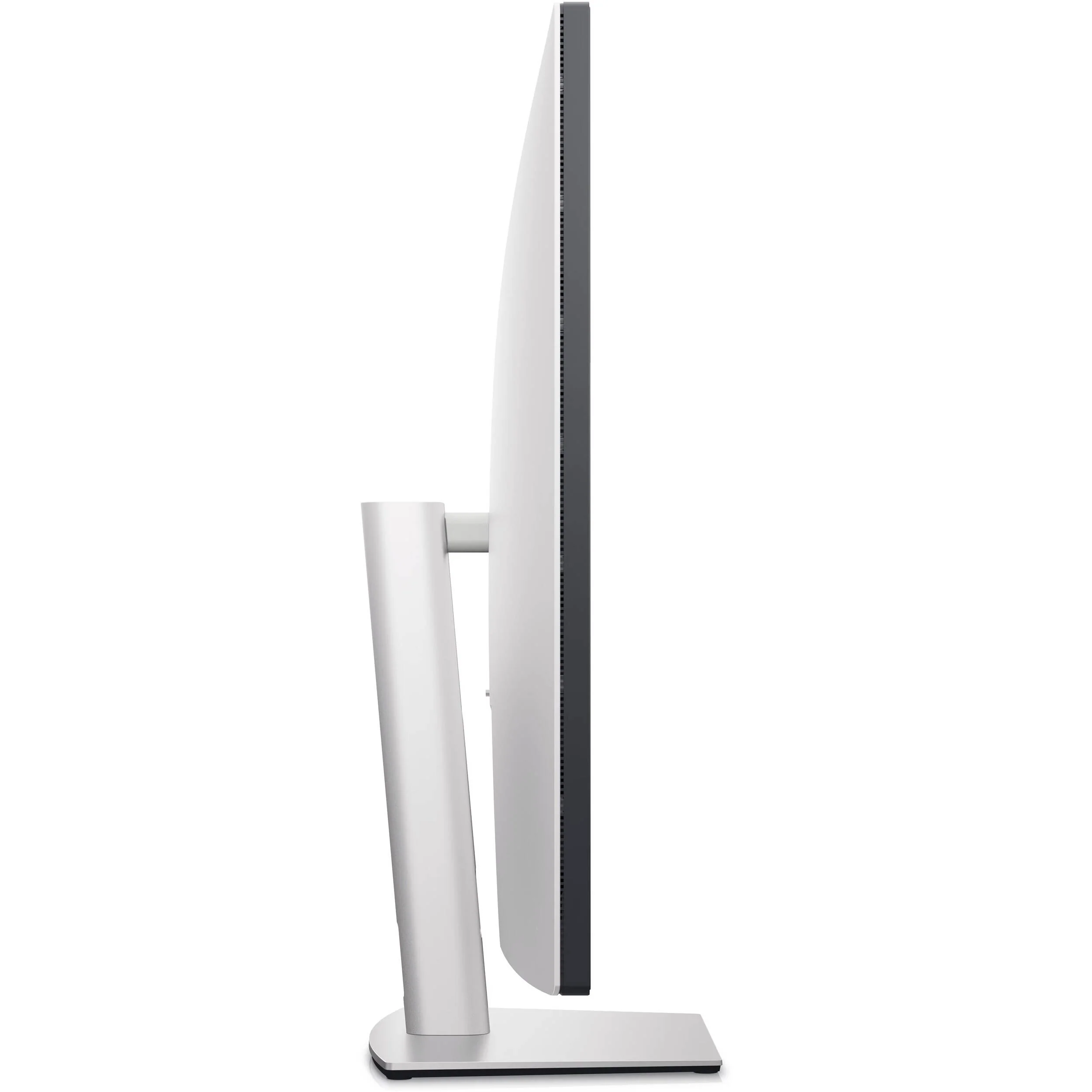
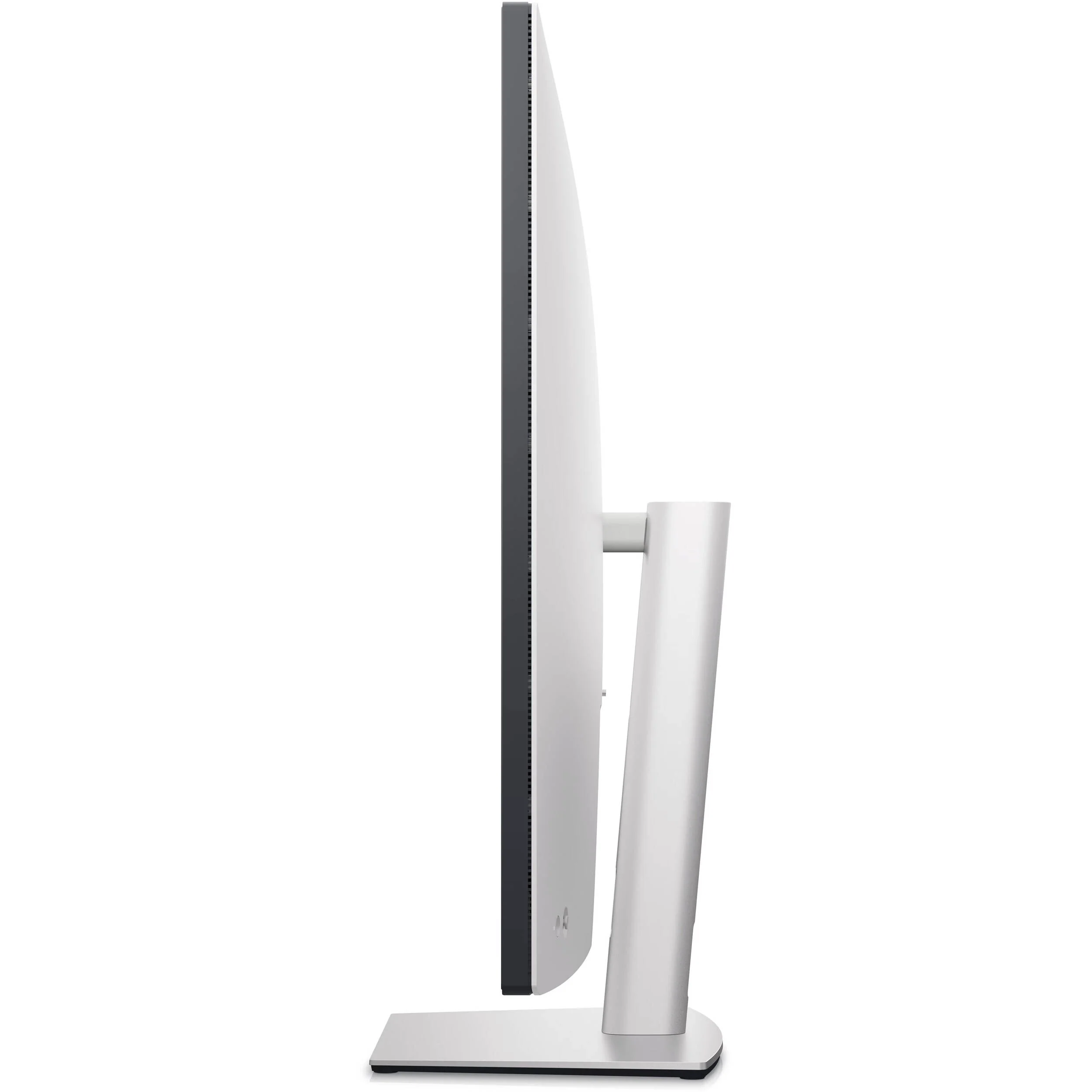
To further help improve viewing and accessibility, this display features a tilt of -5 to 10°, a swivel of -20 to 20°, a height adjustment of 2.4", support for 100 x 100mm and 200 x 200mm VESA mounts.
Please note that to use any of the USB-A 3.2 Gen 2 ports, the USB-C 3.2 Gen 2 port with 15W of power, or the RJ45 port, one of its three USB-C inputs (data only) on the rear must be connected to your host system with either the included USB-C to USB-C or USB-C to USB-A cables. Also, USB-C is not supported on versions of Windows prior to Windows 10.
The power sync feature on this Dell USB-C Monitor enables start up and wake-on-demand on compatible Dell PCs. Please check your Dell PC to ensure support of this feature.
In the Box
- Dell UltraSharp 42.51" 4K Monitor
- DisplayPort Cable (6')
- HDMI Cable (6')
- USB-C 3.2 Gen 2 to USB-C Cable (3.3')
- USB-C 3.2 Gen 2 to USB-A Cable (3.3')
- Stand Base
- Stand Riser
- Power Cable
- Limited 3-Year Manufacturer Warranty (Next Business Day Response with Advanced Exchange Service and Premium Panel Exchange)
- Description
- Designed for More
- Quadruple View - Conquer Your Tasks with up to Four Partitions
- Connect up to Four PCs - Master Multitasking and Collaboration
- Quick Access Ports
- Comprehensive Connectivity
- Built for Comfort
- Jumpstart Productivity
- Enjoy the View
- Easy On the Eyes
- Modern Intuitive User Interface
- Productive At Every Level
- Stay Updated
- Optimize Front of Screen Experience
- Easy Setup and Sharing of Accessories
- Easy Deployment
Dell U4323QE Specs
| Display Size |
42.51"
|
| Panel Type |
IPS-Type LCD
|
| Resolution |
3840 x 2160
|
| Maximum Brightness |
350 nits / cd/m2
|
| HDR Compatibility |
No
|
| Bit Depth / Color Support |
10-Bit (1.07 Billion Colors)
|
| Color Gamut |
100% Rec. 709
100% sRGB 98% DCI-P3 |
| Finish |
Anti-Glare / Matte
|
| Touchscreen Technology |
No
|
| Inputs |
2x DisplayPort 1.4
2x HDMI 2.1 |
| Outputs |
1x 1/8" / 3.5 mm
|
| USB I/O |
1x USB-C 3.1/3.2 Gen 2
1x USB-C 3.1/3.2 Gen 2 (DisplayPort Alt Mode) 3x USB-C 3.1/3.2 Gen 2 4x USB-A 3.1/3.2 Gen 2 |
| Built-In Speakers |
Yes, 2x 8 W
|
| Display Size |
42.51"
|
| Panel Type |
IPS-Type LCD
|
| Aspect Ratio |
16:9
|
| Resolution |
3840 x 2160
|
| Maximum Brightness |
350 nits / cd/m2
|
| HDR Compatibility |
No
|
| Contrast Ratio |
1000:1
|
| Response Time |
5 ms (Overdrive)
8 ms (GtG) |
| Refresh Rate |
60 Hz
|
| Variable Refresh Technology |
No
|
| Bit Depth / Color Support |
10-Bit (1.07 Billion Colors)
|
| Color Gamut |
100% Rec. 709
100% sRGB 98% DCI-P3 |
| Viewing Angle (H x V) |
178 x 178°
|
| Screen Area |
37.055 x 20.843" / 941.184 x 529.416 mm
|
| Dot Pitch |
0.2451 x 0.2451 mm
|
| Pixels Per Inch (ppi) |
103 ppi
|
| Finish |
Anti-Glare / Matte
|
| Touchscreen Technology |
No
|
| Hardness Rating |
3H
|
| Inputs |
2x DisplayPort 1.4
2x HDMI 2.1 |
| Outputs |
1x 1/8" / 3.5 mm
|
| HDCP Support |
No
|
| USB I/O |
1x USB-C 3.1/3.2 Gen 2
1x USB-C 3.1/3.2 Gen 2 (DisplayPort Alt Mode) 3x USB-C 3.1/3.2 Gen 2 4x USB-A 3.1/3.2 Gen 2 |
| USB Power Delivery |
90 W (via USB-C)
15 W (via USB-C) |
| Ethernet I/O |
1RJ45
|
| Multi-Input Support (PIP/PBP) |
Picture-in-Picture (PIP), Picture-by-Picture (PBP)
|
| Built-In Speakers |
Yes, 2x 8 W
|
| Supported Languages |
Brazilian Portuguese
English French German Japanese Russian Simp |
All product and company names are trademarks™ or registered® trademarks of their respective holders. Use of them does not imply any affiliation with or endorsement by them.
Original: $1,934.62
-70%$1,934.62
$580.39More Images
Dell UltraSharp 42.51" 4K Monitor
Dell U4323QE Overview
- 1Description
- 2Designed for More
- 3Quadruple View - Conquer Your Tasks with up to Four Partitions
- 4Connect up to Four PCs - Master Multitasking and Collaboration
- 5Quick Access Ports
- 6Comprehensive Connectivity
- 7Built for Comfort
- 8Jumpstart Productivity
- 9Enjoy the View
- 10Easy On the Eyes
- 11Modern Intuitive User Interface
- 12Productive At Every Level
- 13Stay Updated
- 14Optimize Front of Screen Experience
- 15Easy Setup and Sharing of Accessories
- 16Easy Deployment
Increase your productivity using a display with multi-system connectivity, four unique Full HD partitions via iMST, ComfortView Plus, and more with the UltraSharp 42.51" 4K Monitor from Dell. This display features two DisplayPort 1.4 inputs, two HDMI 2.1 inputs, a USB-C input/output that supports DP 1.4, USB 3.2 Gen 2, and 90W of power delivery, three USB-C 3.2 Gen 2 inputs, a USB-C 3.2 Gen 2 input/output with 15W of charging power, four USB-A 3.2 Gen 2 ports, one of which supports 2A of charging power, a 3.5mm audio output, and an RJ45 network jack. All of this puts connectivity with almost any peripheral at your fingertips.
This UltraSharp display features a native resolution of 3840 x 2160 with a 60 Hz refresh rate, as well as coverage for 100% of the Rec. 709, 100% of the sRGB, and 98% of the DCI-P3 color gamuts. It also features In-Plane Switching (IPS) technology, support for 1.07 billion colors, a 16:9 aspect ratio, an anti-glare coating with a 3H hardness rating, a static contrast ratio of 1000:1, a typical brightness level of 350 nits, an 8 ms response time in normal mode, and a 5 ms response time in fast mode. Using the 178° horizontal and vertical viewing angles, it is possible to watch content from virtually any position. Audio can also be output using the dual 8W speakers.
To further help improve viewing and accessibility, this display features a tilt of -5 to 10°, a swivel of -20 to 20°, a height adjustment of 2.4", support for 100 x 100mm and 200 x 200mm VESA mounts.
Please note that to use any of the USB-A 3.2 Gen 2 ports, the USB-C 3.2 Gen 2 port with 15W of power, or the RJ45 port, one of its three USB-C inputs (data only) on the rear must be connected to your host system with either the included USB-C to USB-C or USB-C to USB-A cables. Also, USB-C is not supported on versions of Windows prior to Windows 10.
The power sync feature on this Dell USB-C Monitor enables start up and wake-on-demand on compatible Dell PCs. Please check your Dell PC to ensure support of this feature.
In the Box
- Dell UltraSharp 42.51" 4K Monitor
- DisplayPort Cable (6')
- HDMI Cable (6')
- USB-C 3.2 Gen 2 to USB-C Cable (3.3')
- USB-C 3.2 Gen 2 to USB-A Cable (3.3')
- Stand Base
- Stand Riser
- Power Cable
- Limited 3-Year Manufacturer Warranty (Next Business Day Response with Advanced Exchange Service and Premium Panel Exchange)
- Description
- Designed for More
- Quadruple View - Conquer Your Tasks with up to Four Partitions
- Connect up to Four PCs - Master Multitasking and Collaboration
- Quick Access Ports
- Comprehensive Connectivity
- Built for Comfort
- Jumpstart Productivity
- Enjoy the View
- Easy On the Eyes
- Modern Intuitive User Interface
- Productive At Every Level
- Stay Updated
- Optimize Front of Screen Experience
- Easy Setup and Sharing of Accessories
- Easy Deployment
Dell U4323QE Specs
| Display Size |
42.51"
|
| Panel Type |
IPS-Type LCD
|
| Resolution |
3840 x 2160
|
| Maximum Brightness |
350 nits / cd/m2
|
| HDR Compatibility |
No
|
| Bit Depth / Color Support |
10-Bit (1.07 Billion Colors)
|
| Color Gamut |
100% Rec. 709
100% sRGB 98% DCI-P3 |
| Finish |
Anti-Glare / Matte
|
| Touchscreen Technology |
No
|
| Inputs |
2x DisplayPort 1.4
2x HDMI 2.1 |
| Outputs |
1x 1/8" / 3.5 mm
|
| USB I/O |
1x USB-C 3.1/3.2 Gen 2
1x USB-C 3.1/3.2 Gen 2 (DisplayPort Alt Mode) 3x USB-C 3.1/3.2 Gen 2 4x USB-A 3.1/3.2 Gen 2 |
| Built-In Speakers |
Yes, 2x 8 W
|
| Display Size |
42.51"
|
| Panel Type |
IPS-Type LCD
|
| Aspect Ratio |
16:9
|
| Resolution |
3840 x 2160
|
| Maximum Brightness |
350 nits / cd/m2
|
| HDR Compatibility |
No
|
| Contrast Ratio |
1000:1
|
| Response Time |
5 ms (Overdrive)
8 ms (GtG) |
| Refresh Rate |
60 Hz
|
| Variable Refresh Technology |
No
|
| Bit Depth / Color Support |
10-Bit (1.07 Billion Colors)
|
| Color Gamut |
100% Rec. 709
100% sRGB 98% DCI-P3 |
| Viewing Angle (H x V) |
178 x 178°
|
| Screen Area |
37.055 x 20.843" / 941.184 x 529.416 mm
|
| Dot Pitch |
0.2451 x 0.2451 mm
|
| Pixels Per Inch (ppi) |
103 ppi
|
| Finish |
Anti-Glare / Matte
|
| Touchscreen Technology |
No
|
| Hardness Rating |
3H
|
| Inputs |
2x DisplayPort 1.4
2x HDMI 2.1 |
| Outputs |
1x 1/8" / 3.5 mm
|
| HDCP Support |
No
|
| USB I/O |
1x USB-C 3.1/3.2 Gen 2
1x USB-C 3.1/3.2 Gen 2 (DisplayPort Alt Mode) 3x USB-C 3.1/3.2 Gen 2 4x USB-A 3.1/3.2 Gen 2 |
| USB Power Delivery |
90 W (via USB-C)
15 W (via USB-C) |
| Ethernet I/O |
1RJ45
|
| Multi-Input Support (PIP/PBP) |
Picture-in-Picture (PIP), Picture-by-Picture (PBP)
|
| Built-In Speakers |
Yes, 2x 8 W
|
| Supported Languages |
Brazilian Portuguese
English French German Japanese Russian Simp |
All product and company names are trademarks™ or registered® trademarks of their respective holders. Use of them does not imply any affiliation with or endorsement by them.
Product Information
Product Information
Shipping & Returns
Shipping & Returns
Description
Dell U4323QE Overview
- 1Description
- 2Designed for More
- 3Quadruple View - Conquer Your Tasks with up to Four Partitions
- 4Connect up to Four PCs - Master Multitasking and Collaboration
- 5Quick Access Ports
- 6Comprehensive Connectivity
- 7Built for Comfort
- 8Jumpstart Productivity
- 9Enjoy the View
- 10Easy On the Eyes
- 11Modern Intuitive User Interface
- 12Productive At Every Level
- 13Stay Updated
- 14Optimize Front of Screen Experience
- 15Easy Setup and Sharing of Accessories
- 16Easy Deployment
Increase your productivity using a display with multi-system connectivity, four unique Full HD partitions via iMST, ComfortView Plus, and more with the UltraSharp 42.51" 4K Monitor from Dell. This display features two DisplayPort 1.4 inputs, two HDMI 2.1 inputs, a USB-C input/output that supports DP 1.4, USB 3.2 Gen 2, and 90W of power delivery, three USB-C 3.2 Gen 2 inputs, a USB-C 3.2 Gen 2 input/output with 15W of charging power, four USB-A 3.2 Gen 2 ports, one of which supports 2A of charging power, a 3.5mm audio output, and an RJ45 network jack. All of this puts connectivity with almost any peripheral at your fingertips.
This UltraSharp display features a native resolution of 3840 x 2160 with a 60 Hz refresh rate, as well as coverage for 100% of the Rec. 709, 100% of the sRGB, and 98% of the DCI-P3 color gamuts. It also features In-Plane Switching (IPS) technology, support for 1.07 billion colors, a 16:9 aspect ratio, an anti-glare coating with a 3H hardness rating, a static contrast ratio of 1000:1, a typical brightness level of 350 nits, an 8 ms response time in normal mode, and a 5 ms response time in fast mode. Using the 178° horizontal and vertical viewing angles, it is possible to watch content from virtually any position. Audio can also be output using the dual 8W speakers.
To further help improve viewing and accessibility, this display features a tilt of -5 to 10°, a swivel of -20 to 20°, a height adjustment of 2.4", support for 100 x 100mm and 200 x 200mm VESA mounts.
Please note that to use any of the USB-A 3.2 Gen 2 ports, the USB-C 3.2 Gen 2 port with 15W of power, or the RJ45 port, one of its three USB-C inputs (data only) on the rear must be connected to your host system with either the included USB-C to USB-C or USB-C to USB-A cables. Also, USB-C is not supported on versions of Windows prior to Windows 10.
The power sync feature on this Dell USB-C Monitor enables start up and wake-on-demand on compatible Dell PCs. Please check your Dell PC to ensure support of this feature.
In the Box
- Dell UltraSharp 42.51" 4K Monitor
- DisplayPort Cable (6')
- HDMI Cable (6')
- USB-C 3.2 Gen 2 to USB-C Cable (3.3')
- USB-C 3.2 Gen 2 to USB-A Cable (3.3')
- Stand Base
- Stand Riser
- Power Cable
- Limited 3-Year Manufacturer Warranty (Next Business Day Response with Advanced Exchange Service and Premium Panel Exchange)
- Description
- Designed for More
- Quadruple View - Conquer Your Tasks with up to Four Partitions
- Connect up to Four PCs - Master Multitasking and Collaboration
- Quick Access Ports
- Comprehensive Connectivity
- Built for Comfort
- Jumpstart Productivity
- Enjoy the View
- Easy On the Eyes
- Modern Intuitive User Interface
- Productive At Every Level
- Stay Updated
- Optimize Front of Screen Experience
- Easy Setup and Sharing of Accessories
- Easy Deployment
Dell U4323QE Specs
| Display Size |
42.51"
|
| Panel Type |
IPS-Type LCD
|
| Resolution |
3840 x 2160
|
| Maximum Brightness |
350 nits / cd/m2
|
| HDR Compatibility |
No
|
| Bit Depth / Color Support |
10-Bit (1.07 Billion Colors)
|
| Color Gamut |
100% Rec. 709
100% sRGB 98% DCI-P3 |
| Finish |
Anti-Glare / Matte
|
| Touchscreen Technology |
No
|
| Inputs |
2x DisplayPort 1.4
2x HDMI 2.1 |
| Outputs |
1x 1/8" / 3.5 mm
|
| USB I/O |
1x USB-C 3.1/3.2 Gen 2
1x USB-C 3.1/3.2 Gen 2 (DisplayPort Alt Mode) 3x USB-C 3.1/3.2 Gen 2 4x USB-A 3.1/3.2 Gen 2 |
| Built-In Speakers |
Yes, 2x 8 W
|
| Display Size |
42.51"
|
| Panel Type |
IPS-Type LCD
|
| Aspect Ratio |
16:9
|
| Resolution |
3840 x 2160
|
| Maximum Brightness |
350 nits / cd/m2
|
| HDR Compatibility |
No
|
| Contrast Ratio |
1000:1
|
| Response Time |
5 ms (Overdrive)
8 ms (GtG) |
| Refresh Rate |
60 Hz
|
| Variable Refresh Technology |
No
|
| Bit Depth / Color Support |
10-Bit (1.07 Billion Colors)
|
| Color Gamut |
100% Rec. 709
100% sRGB 98% DCI-P3 |
| Viewing Angle (H x V) |
178 x 178°
|
| Screen Area |
37.055 x 20.843" / 941.184 x 529.416 mm
|
| Dot Pitch |
0.2451 x 0.2451 mm
|
| Pixels Per Inch (ppi) |
103 ppi
|
| Finish |
Anti-Glare / Matte
|
| Touchscreen Technology |
No
|
| Hardness Rating |
3H
|
| Inputs |
2x DisplayPort 1.4
2x HDMI 2.1 |
| Outputs |
1x 1/8" / 3.5 mm
|
| HDCP Support |
No
|
| USB I/O |
1x USB-C 3.1/3.2 Gen 2
1x USB-C 3.1/3.2 Gen 2 (DisplayPort Alt Mode) 3x USB-C 3.1/3.2 Gen 2 4x USB-A 3.1/3.2 Gen 2 |
| USB Power Delivery |
90 W (via USB-C)
15 W (via USB-C) |
| Ethernet I/O |
1RJ45
|
| Multi-Input Support (PIP/PBP) |
Picture-in-Picture (PIP), Picture-by-Picture (PBP)
|
| Built-In Speakers |
Yes, 2x 8 W
|
| Supported Languages |
Brazilian Portuguese
English French German Japanese Russian Simp |
All product and company names are trademarks™ or registered® trademarks of their respective holders. Use of them does not imply any affiliation with or endorsement by them.